10 Best AI Photo Editors 2026: Ranked & Reviewed
Looking for the best AI photo editor in 2026? We compare Adobe Firefly, Luminar Neo, and Aftershoot to help you find the perfect AI tool for one-click editing and professional retouching.
Published
06 Apr 2026
Reading Time
3 min read
Written By
Admin User
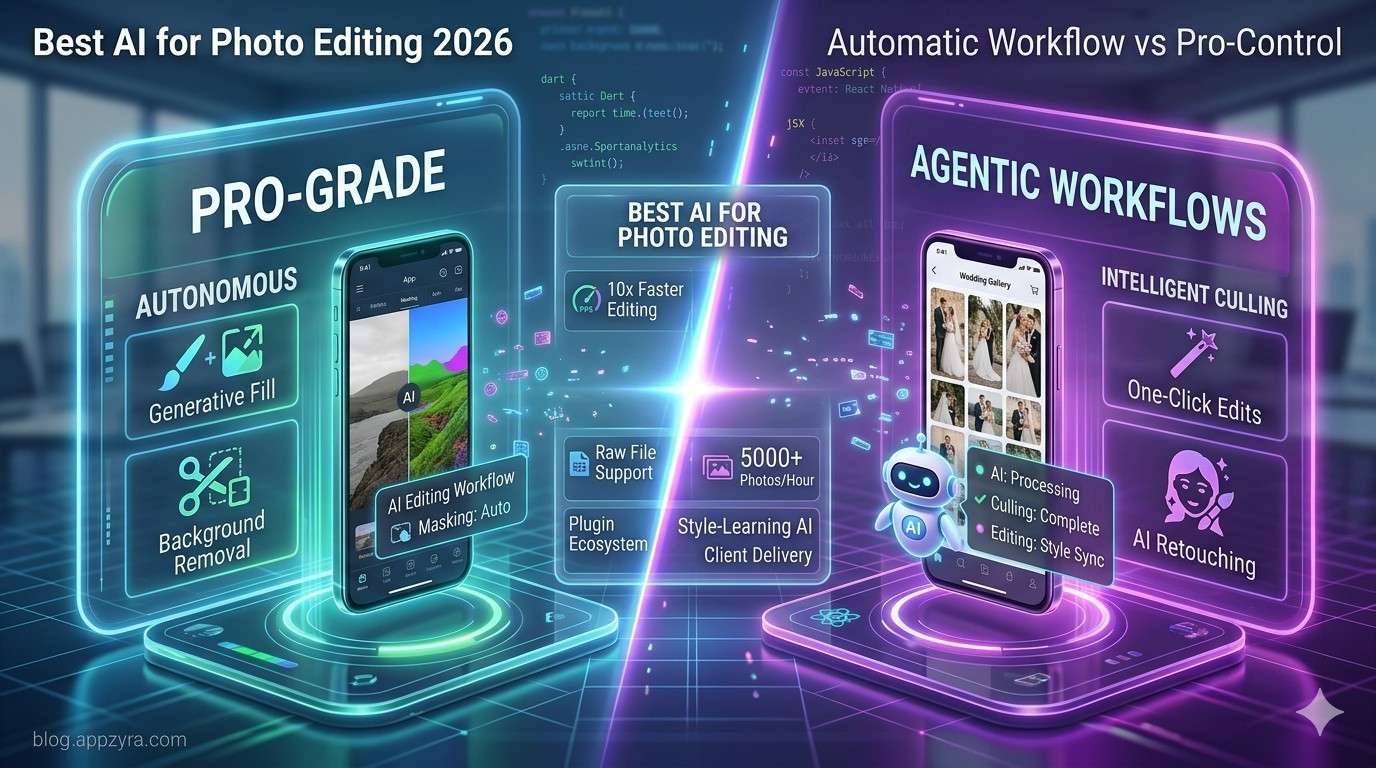
The Shift to Agentic Photo Editing
In 2026, we have moved past simple filters. The new era of "Agentic AI" means your photo editor doesn't just wait for your command—it understands the context of the shot. Whether you are a professional wedding photographer or a web developer needing quick assets, these tools are now essential for a modern workflow.
1. The Professional Powerhouses: Adobe vs. Luminar
For those who need absolute control combined with cutting-edge speed, two names dominate the conversation:
Adobe Photoshop & Lightroom: With the full integration of Firefly 4.0, Adobe’s "Generative Remove" and "AI Masking" are nearly flawless. It’s the best choice for professionals who already live in the Creative Cloud.
Luminar Neo: The champion of "one-click" professional results. Its Sky Replacement AI and Relight AI (which creates a 3D depth map of your 2D photo) make it the most intuitive tool for landscape and travel photographers. Plus, it offers a lifetime license to avoid subscription fatigue.
2. High-Volume Efficiency: Aftershoot & Imagen AI
If you are coming home from a shoot with 2,000 images, you don't edit—you "curate."
Aftershoot: This is the "Swiss Army Knife" of 2026. It handles culling (picking the best shots) and editing simultaneously.
Imagen AI: It literally "learns" your personal editing style from your past Lightroom catalogs and applies it to new galleries in seconds.
3. The "Lightweight" Revolution: Pixlr & Canva
Not every project requires a heavy desktop app.
Pixlr: Perfect for web developers. It’s browser-based and uses AI for instant background removal and "Generative Expand" to fit images into different website headers.
Canva Magic Studio: The best for social media managers. Its AI can transform a single photo into a full set of branded posts instantly.
4. Restoration & Upscaling: Topaz & AIEnhancer
Need to fix a blurry shot or a low-res client logo?
Topaz Gigapixel AI: Still the king of resolution. It can upscale images up to 600% while actually adding realistic detail rather than just blurring pixels.
AIEnhancer: A rising star in 2026 for its "Old Photo Restoration" that can bring 50-year-old scanned prints back to life with modern clarity.
💡 Pro Tip: If you're building a website on Appzyra, use Pixlr for quick asset tweaks and Topaz for high-quality hero images. This combo ensures your site stays fast without sacrificing visual "pop."
Frequently Asked Questions
Q: Can AI replace a professional editor? A: AI handles the "grunt work" (masking, sensor dust removal, basic color correction), allowing the human editor to focus on the artistic mood and storytelling.
Q: Which tool is best for beginners? A: Luminar Neo or Pixlr provide the easiest learning curve with the highest quality output.
Conclusion
The best AI photo editor in 2026 is the one that fits your specific bottleneck. If you need speed, go with Aftershoot. If you need precision, stick with Adobe. If you want a one-time purchase that does it all, Luminar Neo is your winner.