Cursor vs Windsurf 2026: Which AI IDE is Better for App and Web Developers?
A detailed 2026 comparison of Cursor vs Windsurf. Discover which AI-native IDE wins for Flutter, React, and Kotlin development based on agentic power, context, and pricing.
Published
04 Apr 2026
Reading Time
3 min read
Written By
Admin User
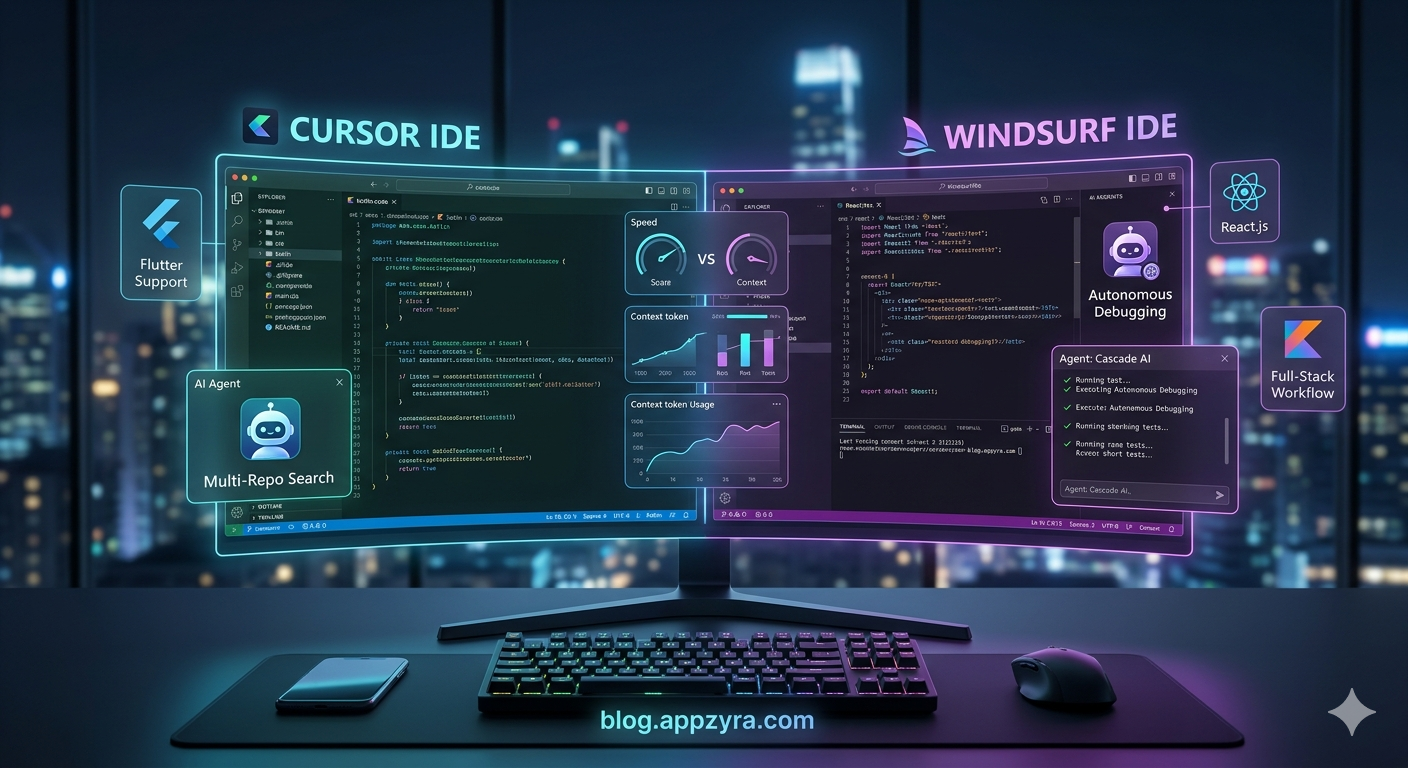
Cursor vs Windsurf 2026: Choosing Your Ultimate AI Coding Partner
The "AI Coding War" of 2026 has narrowed down to two giants: Cursor and Windsurf. For mobile app developers and web engineers, the choice is no longer just about "autocomplete"—it’s about which AI Agent can actually manage your codebase, run your terminal, and fix its own bugs.
Whether you are building a complex Flutter app, a high-performance React site, or a native Kotlin project, here is the definitive breakdown of which tool deserves your $20/month.
1. Cursor: The King of Speed and "Vibe Coding"
Cursor remains the gold standard for many developers because it feels like a natural extension of your brain. In 2026, its Composer 2.0 and Agent Mode have made "vibe coding" (coding via natural language) a reality.
Best Feature: Supermaven Autocomplete. It is currently the fastest in the industry, predicting your next 5-10 lines with 70%+ accuracy.
Multi-Repo Support: Cursor 3 now allows agents to work across multiple repositories simultaneously—perfect for full-stack developers managing a separate frontend and backend.
The "Cursor Tab": It doesn’t just finish your word; it finishes your entire logic block.

2. Windsurf: The Deep-Thinking Agentic IDE
Since its acquisition by Cognition (the creators of Devin), Windsurf has evolved into a powerhouse for complex reasoning. While Cursor is faster, Windsurf is often "smarter" when it comes to deep architectural changes.
Best Feature: Cascade AI. This agent has a "photographic memory" of your entire project. You don't have to manually @-mention files; Windsurf automatically understands the dependency graph of your app.
Fast Context: Windsurf can pull 200,000+ tokens of context instantly, making it superior for massive monorepos or legacy codebases
MCP Support: It supports the Model Context Protocol, letting you connect your AI directly to tools like Figma, Slack, or your PostgreSQL database.
3. Which is Better for Your Tech Stack?
Feature | Cursor (2026) | Windsurf (2026) |
Flutter/Mobile | Winner. Better at UI/UX and rapid widget refactoring. | Strong, but slightly slower at hot-reload iterations. |
Web Development | Excellent for React/Next.js "Vibe Coding." | Winner. Better at complex backend & DB logic. |
Pricing | $20/mo (Monthly Credit Pool). | $20/mo (Daily/Weekly Quotas). |
Learning Curve | Very Easy (VS Code Fork). | Moderate (More advanced agent settings). |
4. The Verdict: How to Choose
Choose Cursor if: You are a solo developer or startup founder. You want the fastest "flow state" and primarily work on frontend-heavy or mobile projects where speed is everything.
Choose Windsurf if: You work in a large team or on an enterprise app with a massive codebase. You need an agent that can handle high-stakes "multi-file" logic without making mistakes.
💡 Pro Tip: Many top developers in 2026 are actually using both. They use Cursor for rapid feature building and Windsurf for deep debugging and architectural refactoring
Conclusion
The "best" IDE is the one that stays out of your way. If you want a tool that feels like a pair programmer, go with Cursor. If you want a tool that feels like an autonomous junior developer, go with Windsurf.