Optimizing Ad Viewability in Android: Boost Revenue in 2026
Stop losing money on hidden ads. Learn 3 proven technical strategies to boost Android ad viewability, improve CPM, and maximize revenue for high-traffic apps.
Published
10 Apr 2026
Reading Time
5 min read
Written By
Admin User
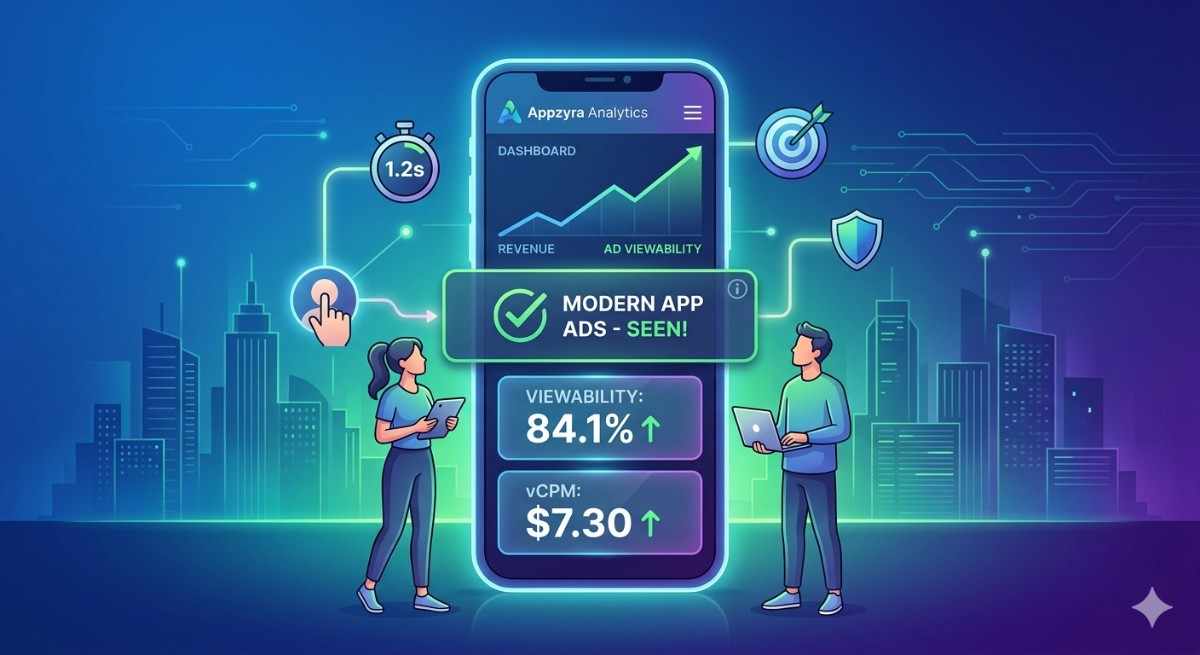
The Secret to Higher Ad Revenue: Making Sure Your Ads Are Actually Seen
If you’re running an Android app with a massive user base, you know that traffic is only half the battle. You can have millions of impressions, but if your viewability scores are low, your CPM (cost per mille) will eventually tank.
In the world of high-traffic apps, "Optimization" isn't just a buzzword—it’s the difference between a thriving business and a struggling one. Let’s break down how to ensure your ads are working as hard as your code does.
Why "Viewability" is the Metric That Matters
Advertisers don’t want to pay for ads that stay hidden at the bottom of a scroll view or load after a user has already switched screens. Most ad networks define a "viewable" impression as an ad that is at least 50% visible for at least one continuous second.

3 Practical Ways to Boost Viewability
1. Smart Caching (But Not Too Much)
We’ve all been there: a user scrolls to an ad slot, but the ad is still "loading." By the time the image appears, the user is gone.
The Fix: Use background loading to fetch the ad just before the user reaches the ad container.
The Warning: Don't cache ads too far in advance. If you fetch an ad and the user never scrolls to it, your "Fill Rate" looks great, but your "Viewability" drops, which can lead to flags from Google Ad Manager.
2. The "Lazy Loading" Logic
Instead of loading all your ads when the Activity or Fragment starts, wait until the ad container is about to enter the viewport.
How it works: Use a listener to detect when the ad view is 20% on-screen, then trigger the load request. This ensures that when the ad finishes loading, the user is looking directly at it.
3. Handling "Jank" and Layout Shifts
Nothing kills user experience (and viewability) like an ad that suddenly "pops" and pushes the content down. This is called a layout shift.
The Fix: Always reserve space for your ads. If you’re showing a 320x50 banner, make sure the placeholder is exactly that size before the ad loads. This keeps the UI stable and the ad viewable the moment it renders.
The Human Element: UX vs. Ads
At the end of the day, a happy user stays in your app longer. If you clutter the screen with ads that block navigation, users will leave, and your "high traffic" will disappear.
The goal is integration, not interruption. Use subtle animations for ad transitions and ensure your close buttons are easy to tap. When the app feels premium, the ads feel like a natural part of the journey.
Wrapping Up
Optimizing for viewability is a marathon, not a sprint. By focusing on smart loading and stable layouts, you aren’t just helping your bottom line—you’re building a more professional, reliable app for your millions of users.
What’s your current viewability score? If it's below 70%, it might be time to dive into your implementation logic and make these quick shifts.
Frequently Asked Questions (FAQ)
1. What exactly is the "industry standard" for a viewable ad?
According to the Media Rating Council (MRC) and the IAB, an ad is considered "viewable" if at least 50% of its pixels are on the screen for at least one continuous second (for display/banner ads) or two continuous seconds (for video ads).
2. Why should I care about viewability if my fill rate is 100%?
A high fill rate just means ads are being served, not seen. Advertisers are increasingly moving toward vCPM (viewable Cost Per Mille). If your viewability score is low, premium advertisers will stop bidding on your inventory, causing your overall revenue to drop even if your traffic stays high.
3. Does "Above the Fold" always mean high viewability?
Not necessarily. On mobile, many users start scrolling as soon as the page/app loads. If an ad is at the very top, it might scroll off-screen before it even finishes rendering. Often, ads placed just below the top navigation or in the middle of the content have higher viewability.
4. How does lazy loading help my ad revenue?
Lazy loading prevents your app from requesting an ad until the user is actually near the ad slot. This ensures that when the ad is called, there is a high probability the user will see it. It also improves app performance by reducing unnecessary network calls.
5. Can "Sticky Ads" hurt my app’s ranking on the Play Store?
As long as they follow the Better Ads Standards, sticky ads are generally safe. The key is to ensure they don't cover main content or navigation buttons. Google Ad Manager and AdMob officially support certain sticky formats (like anchor ads) because they provide nearly 100% viewability without ruining the user experience.
6. What is a "good" viewability score for a mobile app?
While 100% is nearly impossible due to technical glitches and fast scrolling, a score of 70% or higher is considered excellent by industry standards. If your score is below 50%, you are likely leaving a significant amount of money on the table.